

1. Create your workspace
Sign up at app.minitap.ai and follow the onboarding: pick a workspace name, install the MiniTest GitHub App on the org that owns your mobile repo, then connect one app (name, icon, repo, branch).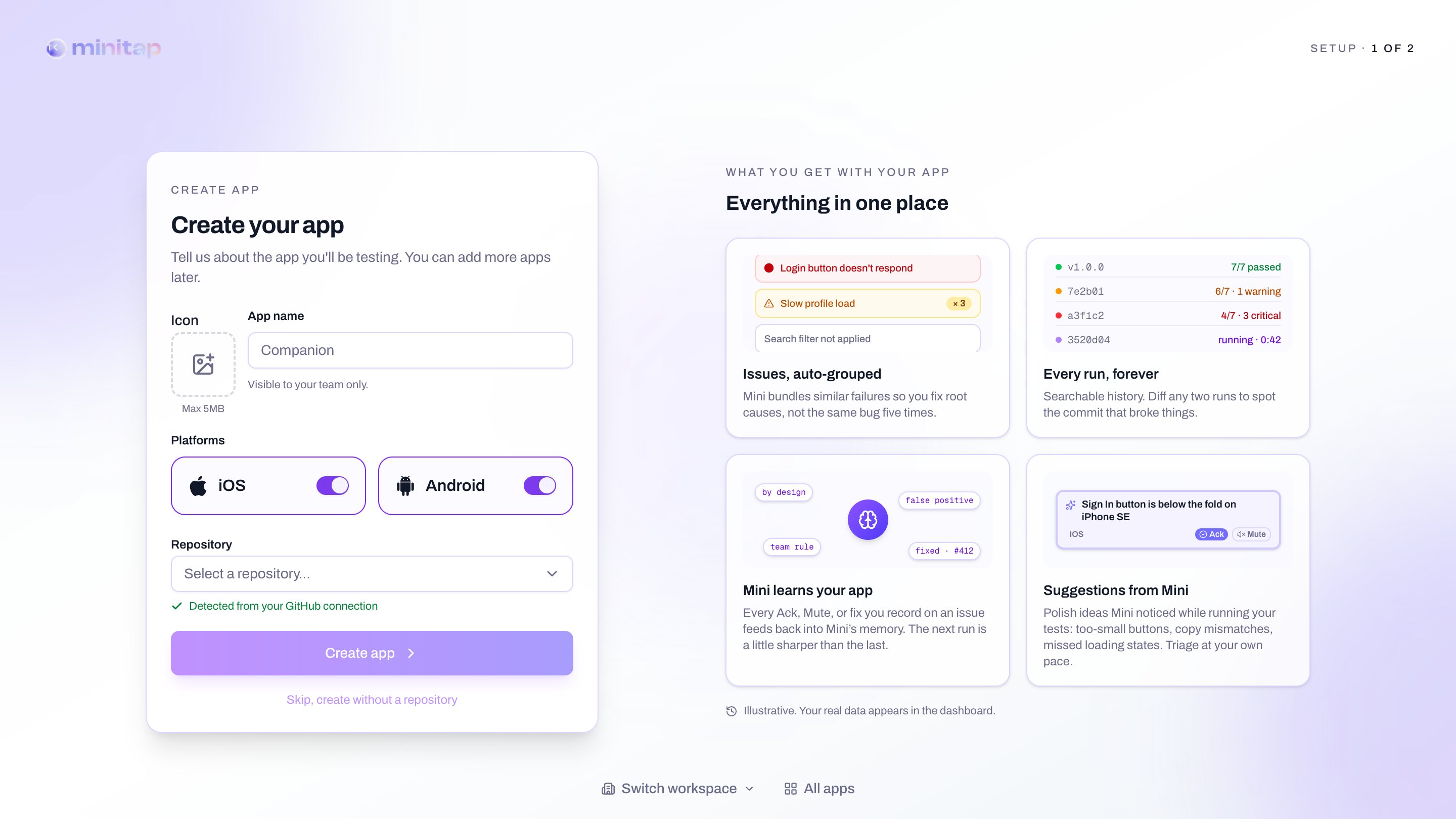
2. Write your first user story
In the User stories tab, click New story. Describe the journey in plain English and let miniTest draft the acceptance criteria.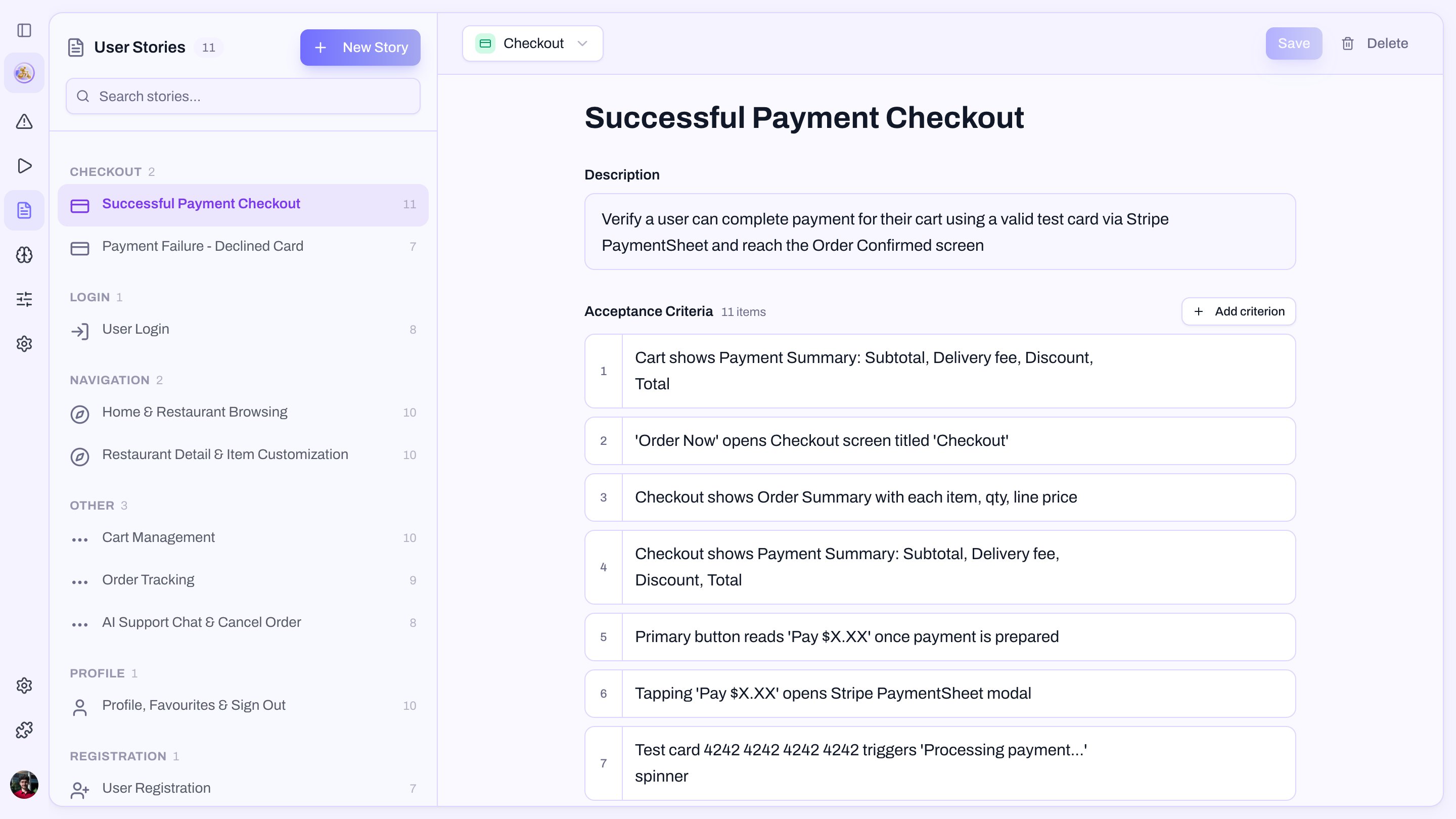
3. Run it
Open your app’s Runs tab and click New run. Pick the latest build (or upload one via the CLI), select the story, and hit Start. A few minutes later you get a green criterion list and a video of the agent driving your app. If something fails, the run page hands you a fix prompt ready for Cursor or Claude.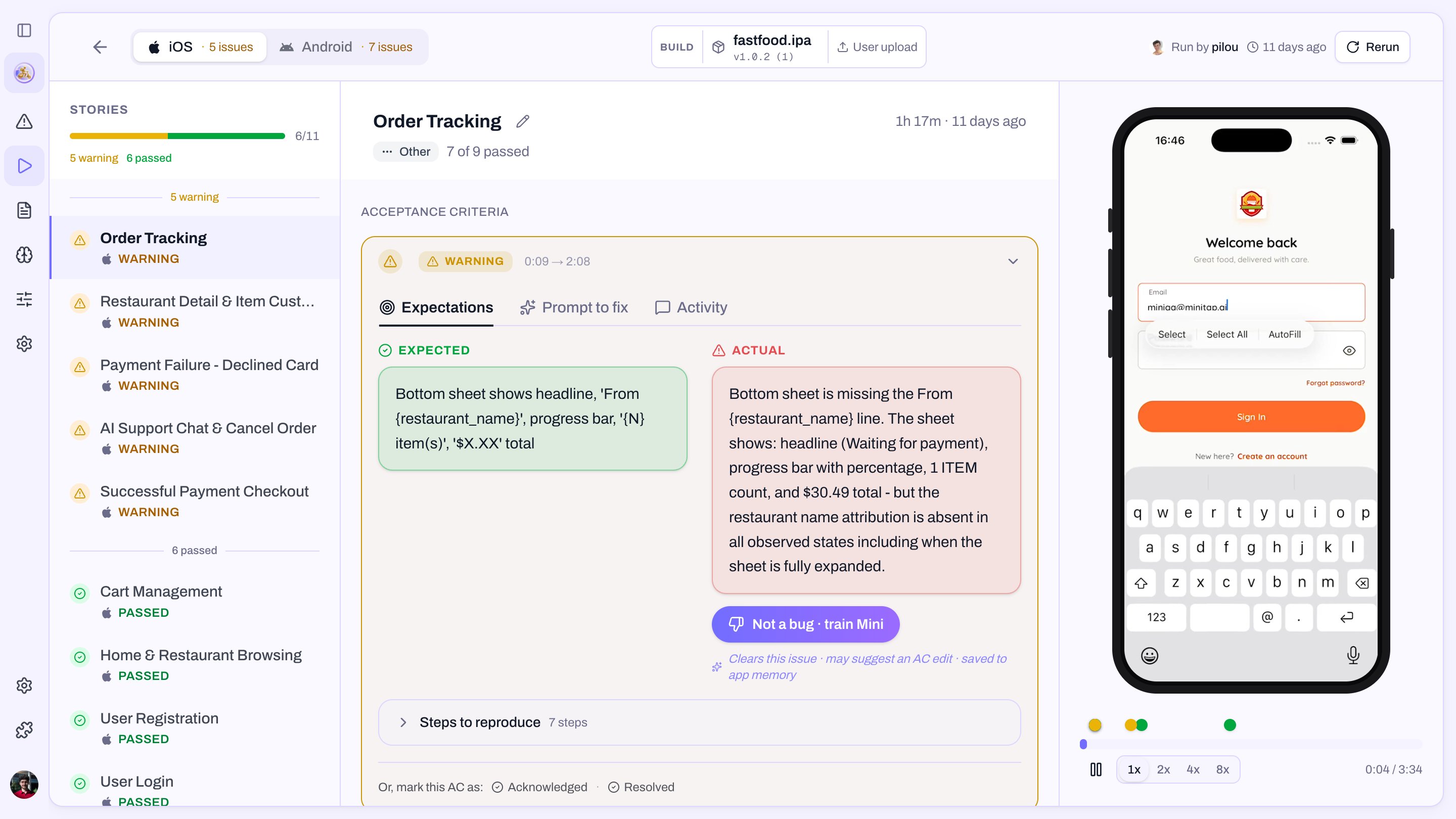
Next steps
- Wire miniTest into GitHub Actions so every PR runs the suite.
- Author stories from your IDE with the CLI or MCP server.
- Attach a profile to user stories that need a signed-in user.