> ## Documentation Index
> Fetch the complete documentation index at: https://www.minitap.ai/docs/llms.txt
> Use this file to discover all available pages before exploring further.
# Mobile Use SDK
> Automate your phone with natural language using AI
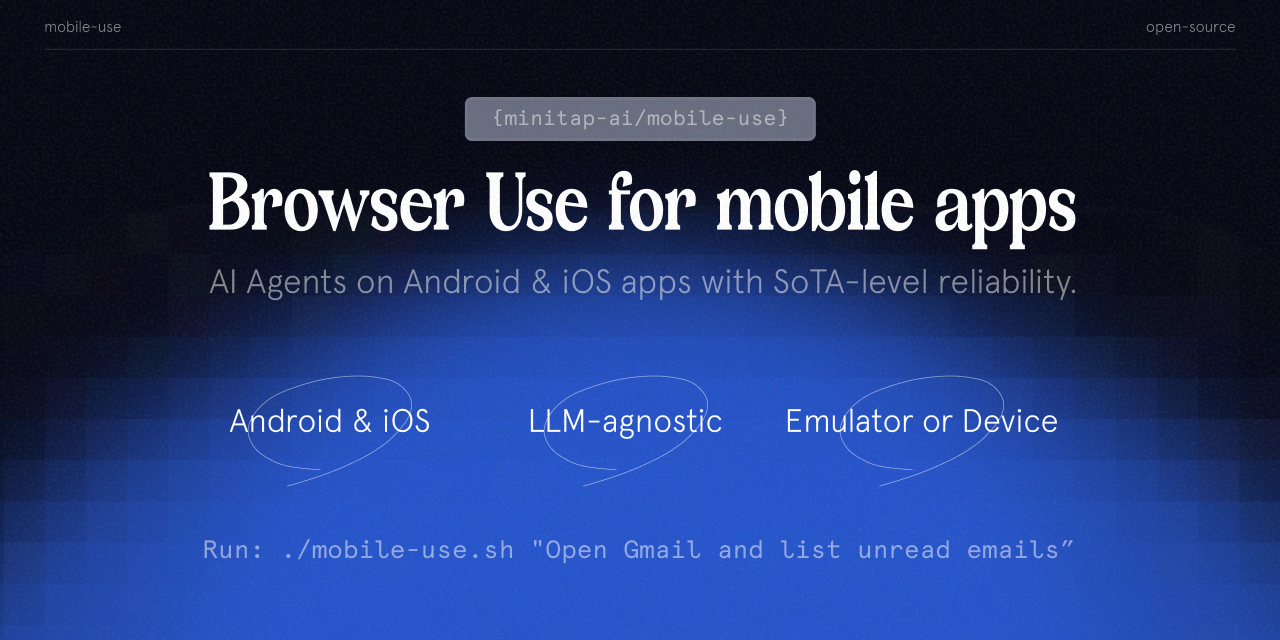 The **mobile-use SDK** provides powerful, intuitive automation capabilities for Android and iOS devices using LangGraph and LLM-powered agents. Build intelligent applications that can interact with mobile devices just like a human would - navigating interfaces, responding to visual elements, and executing complex tasks.
Join our community
⭐ Star us on GitHub
Mobile-use is quickly evolving. Your suggestions, ideas, and reported bugs will shape this project. Do not hesitate to join the conversation on [Discord](https://discord.gg/6nSqmQ9pQs) or contribute directly!
## Overview
Mobile Use SDK enables developers to create Python applications that can:
* **Automate mobile interactions** across different apps and workflows
* **Control both Android and iOS devices** with a unified API
* **Build AI agents** that understand mobile interfaces and can adapt to changes
* **Extract structured data** from mobile apps programmatically
* **Create end-to-end automation flows** with minimal code
## Key Features
Interact with your phone using plain language instructions
Intelligently navigates through app interfaces using visual understanding
Extract and structure information from any app into your desired format
Easily configure different LLMs to power the agents
## Two Ways to Use mobile-use
Choose the path that best fits your needs:
**Quick Setup • Centralized Config • Built-in Observability**
* No LLM config files needed
* Update tasks without code changes
* Monitor costs and execution in real-time
* Perfect for production deployments
**Full Control • Custom LLMs • Offline Capable**
* Configure LLMs via config files
* Run entirely on your infrastructure
* Full customization and control
* Ideal for development and testing
## Next Steps
Start in 5 minutes with the platform
Set up for local development
Explore practical examples
The **mobile-use SDK** provides powerful, intuitive automation capabilities for Android and iOS devices using LangGraph and LLM-powered agents. Build intelligent applications that can interact with mobile devices just like a human would - navigating interfaces, responding to visual elements, and executing complex tasks.
Join our community
⭐ Star us on GitHub
Mobile-use is quickly evolving. Your suggestions, ideas, and reported bugs will shape this project. Do not hesitate to join the conversation on [Discord](https://discord.gg/6nSqmQ9pQs) or contribute directly!
## Overview
Mobile Use SDK enables developers to create Python applications that can:
* **Automate mobile interactions** across different apps and workflows
* **Control both Android and iOS devices** with a unified API
* **Build AI agents** that understand mobile interfaces and can adapt to changes
* **Extract structured data** from mobile apps programmatically
* **Create end-to-end automation flows** with minimal code
## Key Features
Interact with your phone using plain language instructions
Intelligently navigates through app interfaces using visual understanding
Extract and structure information from any app into your desired format
Easily configure different LLMs to power the agents
## Two Ways to Use mobile-use
Choose the path that best fits your needs:
**Quick Setup • Centralized Config • Built-in Observability**
* No LLM config files needed
* Update tasks without code changes
* Monitor costs and execution in real-time
* Perfect for production deployments
**Full Control • Custom LLMs • Offline Capable**
* Configure LLMs via config files
* Run entirely on your infrastructure
* Full customization and control
* Ideal for development and testing
## Next Steps
Start in 5 minutes with the platform
Set up for local development
Explore practical examples