> ## Documentation Index
> Fetch the complete documentation index at: https://www.minitap.ai/docs/llms.txt
> Use this file to discover all available pages before exploring further.
# Quickstart
> Sign up, connect an app, and run your first user story on a virtual device. About fifteen minutes.
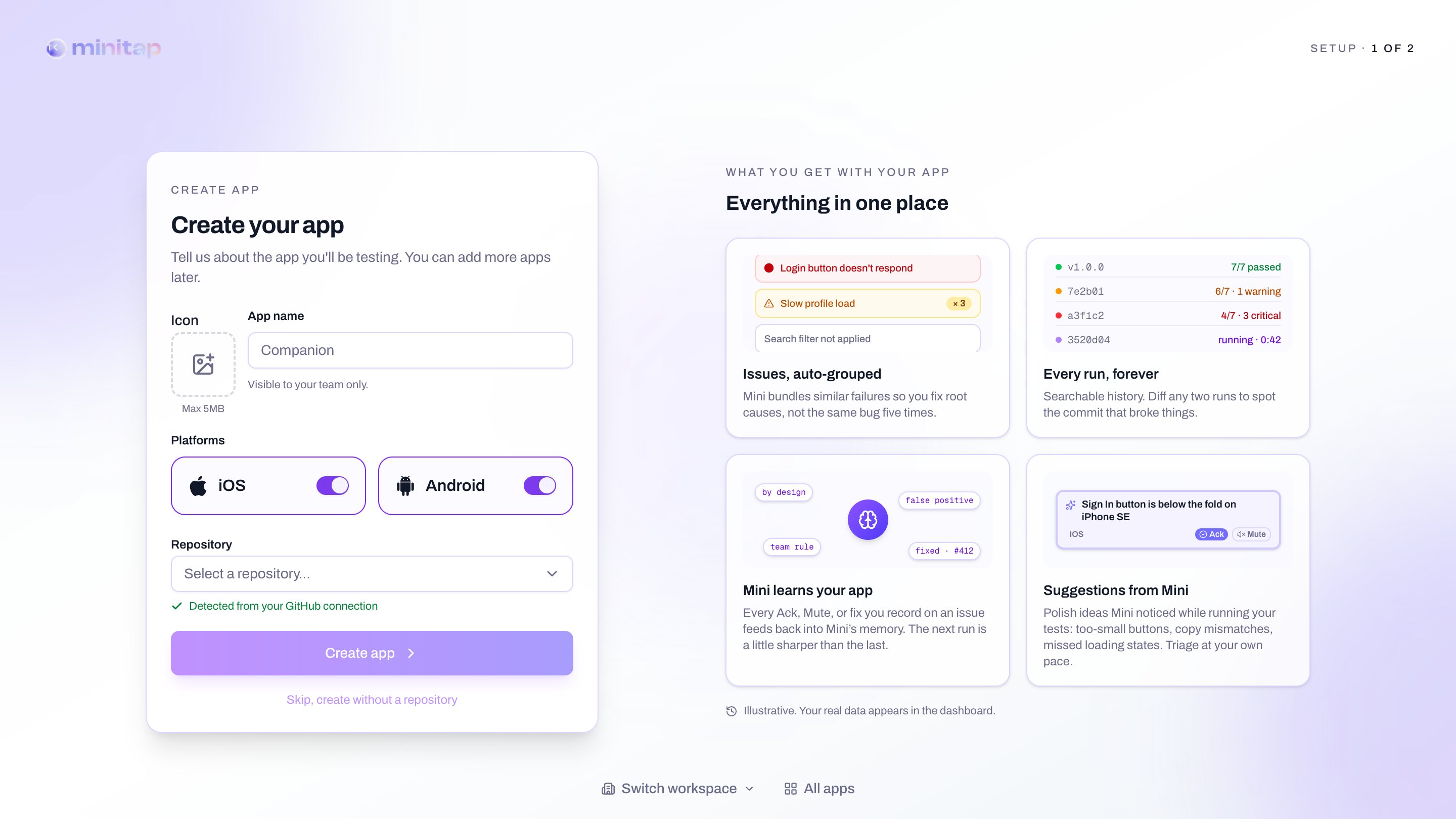
## 1. Create your workspace
Sign up at [app.minitap.ai](https://app.minitap.ai) and follow the
onboarding: pick a workspace name, install the **MiniTest GitHub App**
on the org that owns your mobile repo, then connect one app (name,
icon, repo, branch).
 ## 2. Write your first user story
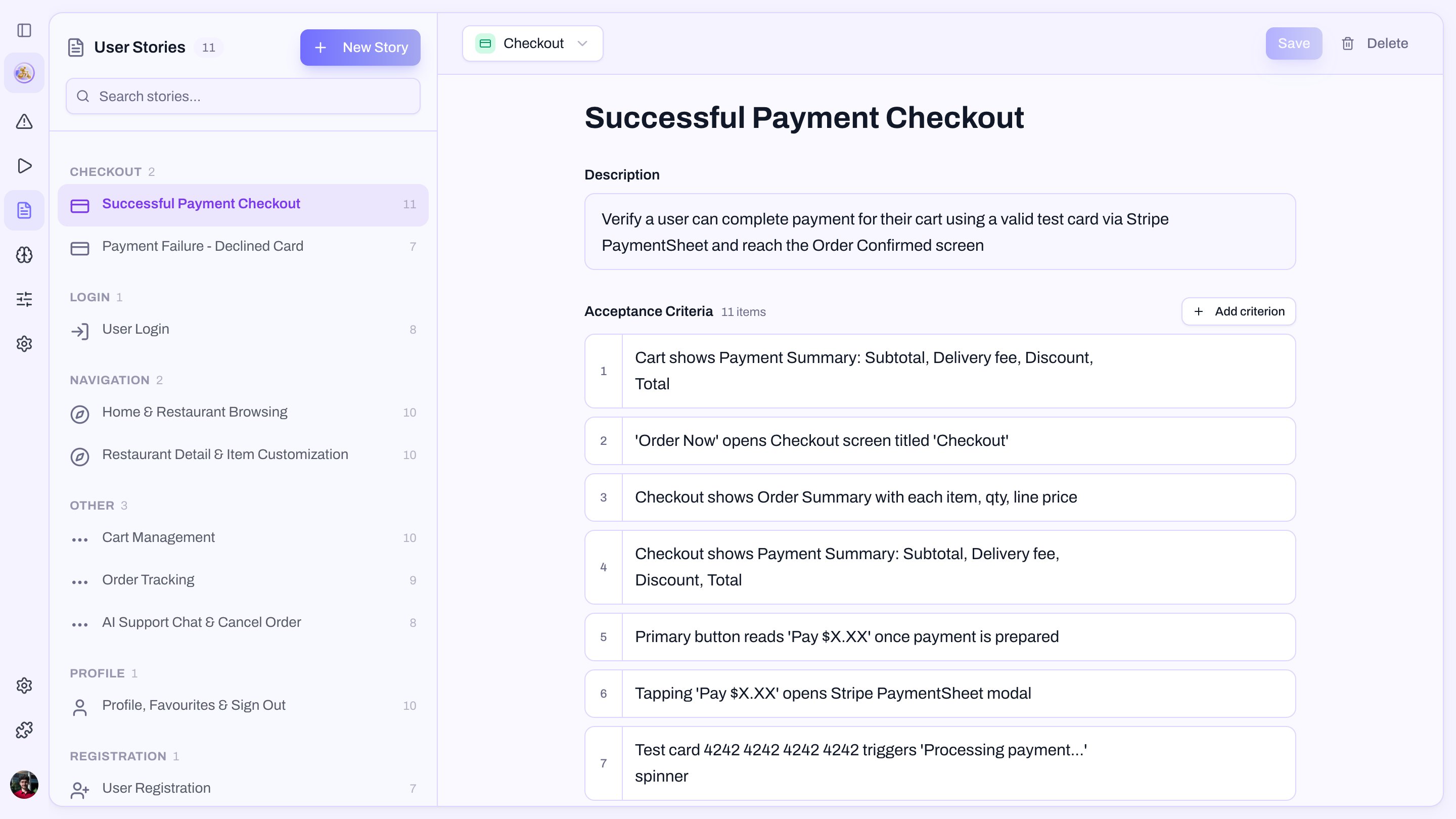
In the **User stories** tab, click **New story**. Describe the journey
in plain English and let miniTest draft the acceptance criteria.
```text theme={null}
Name: Sign in with email
Description: A returning user signs in and reaches the home screen.
```
Approve the proposed criteria. They should be things a person could
verify just by looking at the screen — see
[Acceptance criteria rules](/docs/minitest/suite/anatomy)
for what holds up at runtime.
## 2. Write your first user story
In the **User stories** tab, click **New story**. Describe the journey
in plain English and let miniTest draft the acceptance criteria.
```text theme={null}
Name: Sign in with email
Description: A returning user signs in and reaches the home screen.
```
Approve the proposed criteria. They should be things a person could
verify just by looking at the screen — see
[Acceptance criteria rules](/docs/minitest/suite/anatomy)
for what holds up at runtime.
 ## 3. Run it
Open your app's **Runs** tab and click **New run**. Pick the latest
build (or upload one via the [CLI](/docs/minitest/integrations/cursor-and-claude)),
select the story, and hit **Start**.
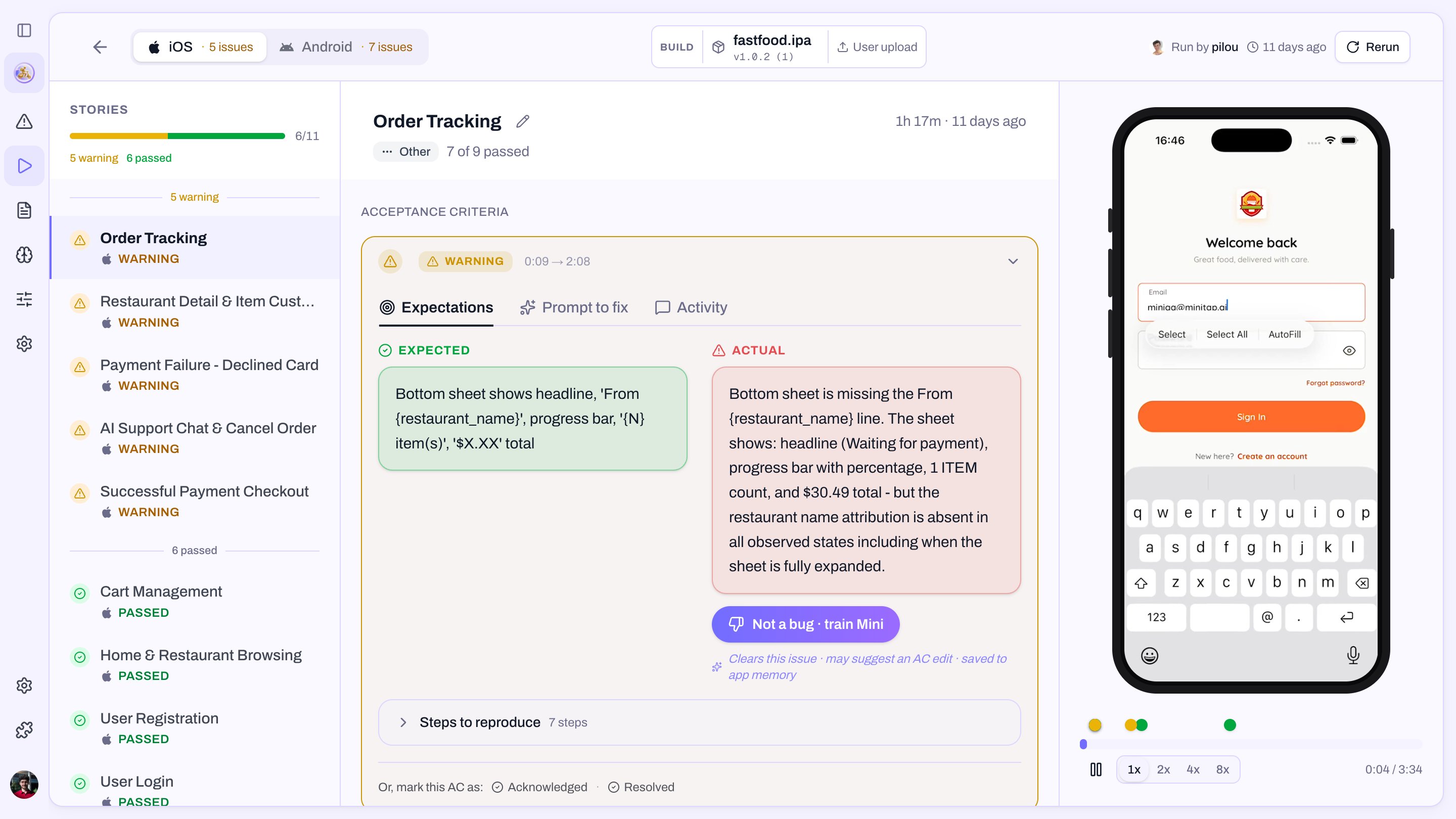
A few minutes later you get a green criterion list and a video of the
agent driving your app. If something fails, the run page hands you a
[fix prompt](/docs/minitest/runs/run-report#fix-prompt) ready for Cursor or
Claude.
## 3. Run it
Open your app's **Runs** tab and click **New run**. Pick the latest
build (or upload one via the [CLI](/docs/minitest/integrations/cursor-and-claude)),
select the story, and hit **Start**.
A few minutes later you get a green criterion list and a video of the
agent driving your app. If something fails, the run page hands you a
[fix prompt](/docs/minitest/runs/run-report#fix-prompt) ready for Cursor or
Claude.
 ## Next steps
* [Wire miniTest into GitHub Actions](/docs/minitest/runs/triggering-a-run) so every PR runs the suite.
* [Author stories from your IDE](/docs/minitest/integrations/cursor-and-claude) with the CLI or MCP server.
* [Attach a profile](/docs/minitest/suite/anatomy#profiles) to user stories that need a signed-in user.
## Next steps
* [Wire miniTest into GitHub Actions](/docs/minitest/runs/triggering-a-run) so every PR runs the suite.
* [Author stories from your IDE](/docs/minitest/integrations/cursor-and-claude) with the CLI or MCP server.
* [Attach a profile](/docs/minitest/suite/anatomy#profiles) to user stories that need a signed-in user.